Incidents
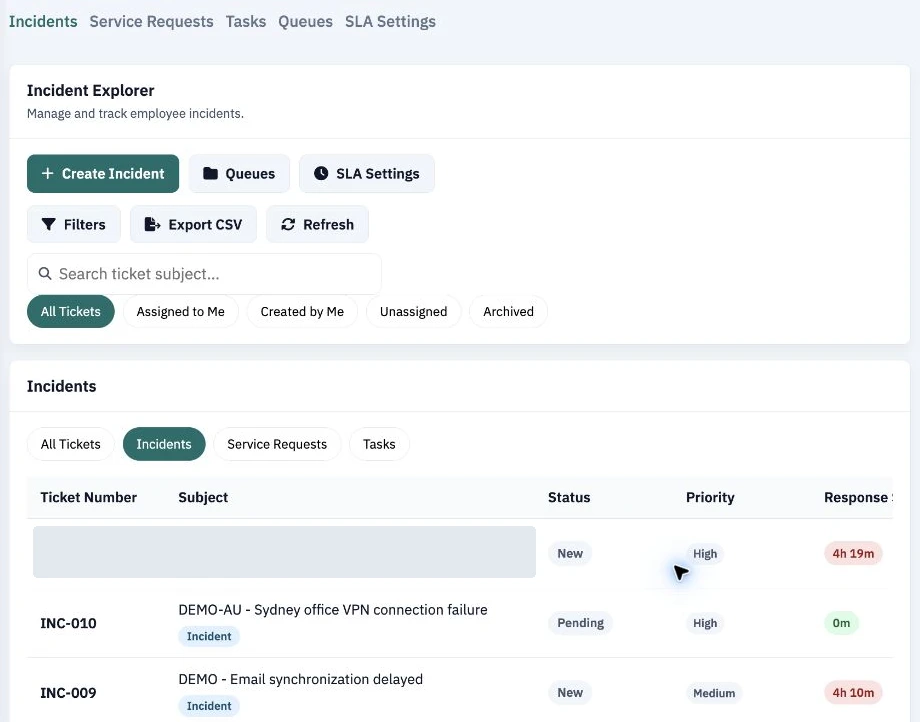
Incidents
Triage incidents by priority, status and assignment. Use queues and SLA views to follow response and resolution.
Explore the CollabDesk interface across service management, asset operations, knowledge and access administration.
Triage incidents by priority, status and assignment. Use queues and SLA views to follow response and resolution.
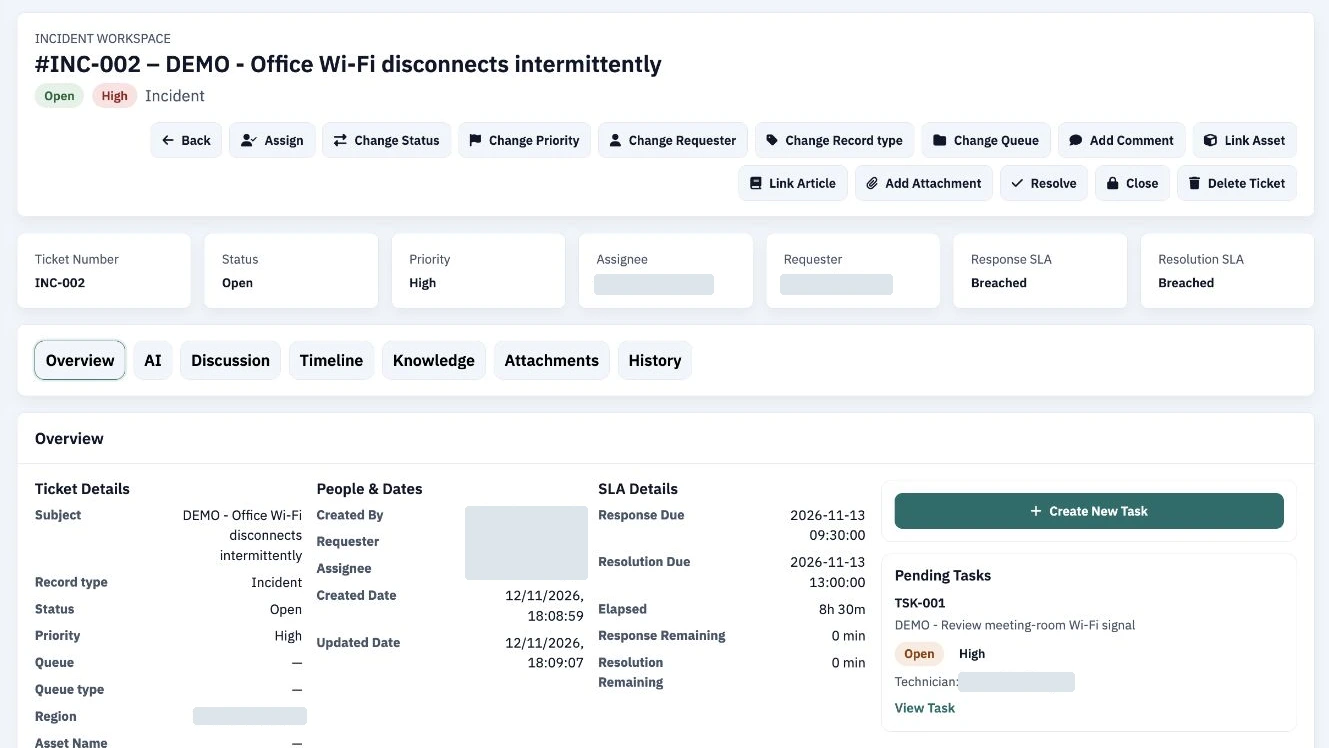
Open a ticket to see its status, priority, assignment, response and resolution SLA, and linked follow-up tasks.
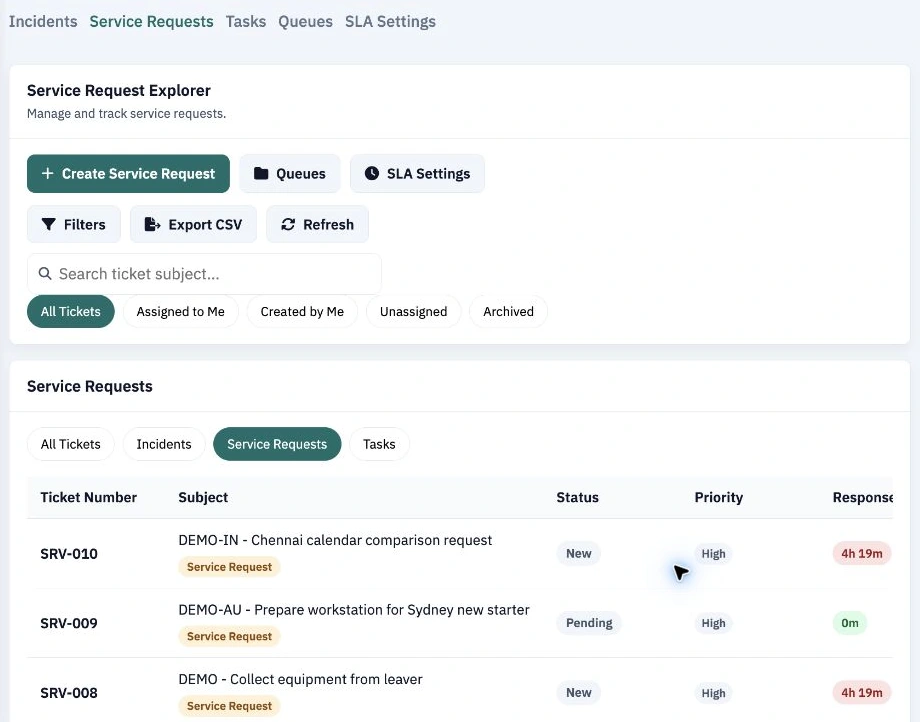
Track employee service requests in a dedicated queue with status, priority and assignment filters.
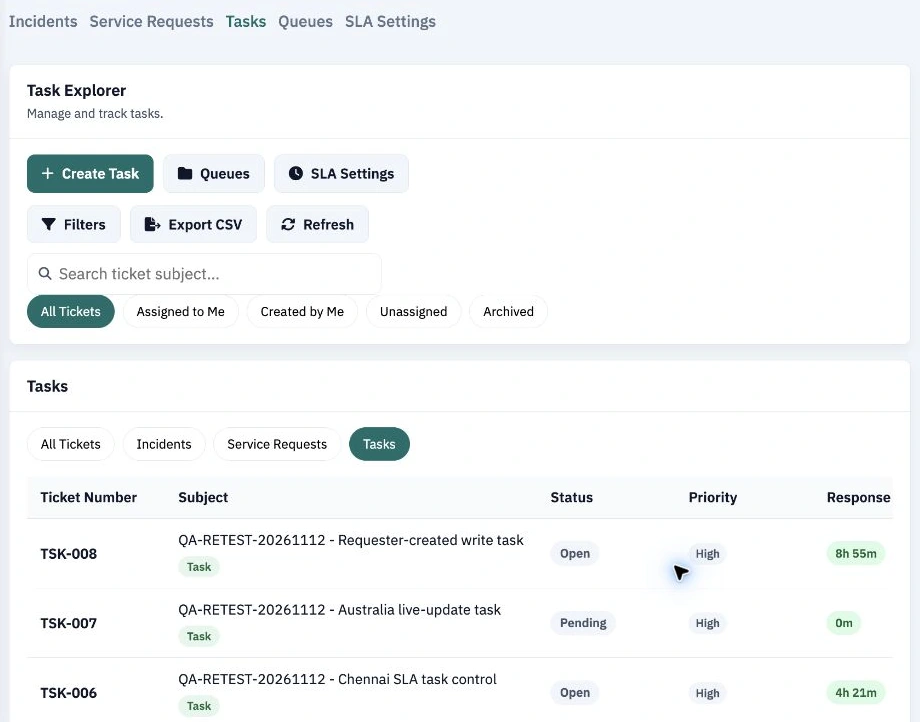
Organize follow-up work in a dedicated task explorer and see what is assigned or unassigned.
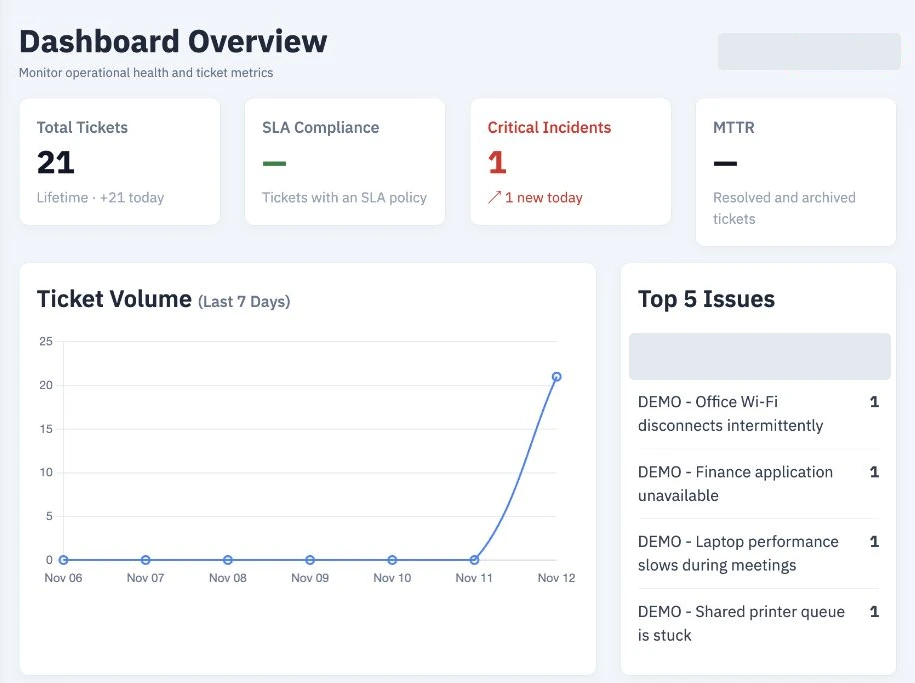
See ticket volume, priority, workload and SLA metrics in the operational overview.
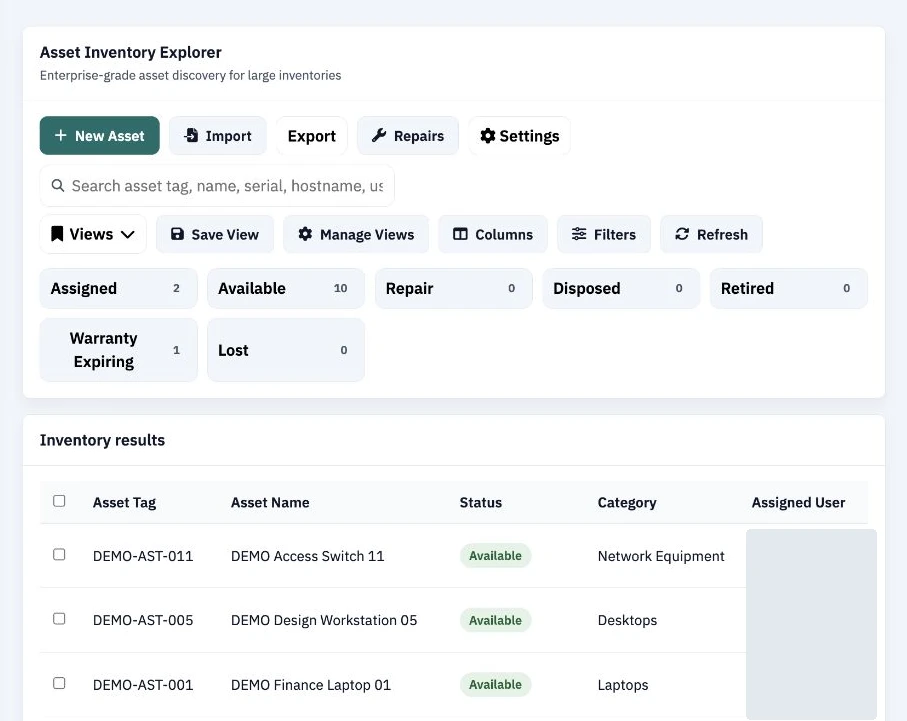
Search inventory by asset tag, name or serial number. Review assignment, status and warranty filters.
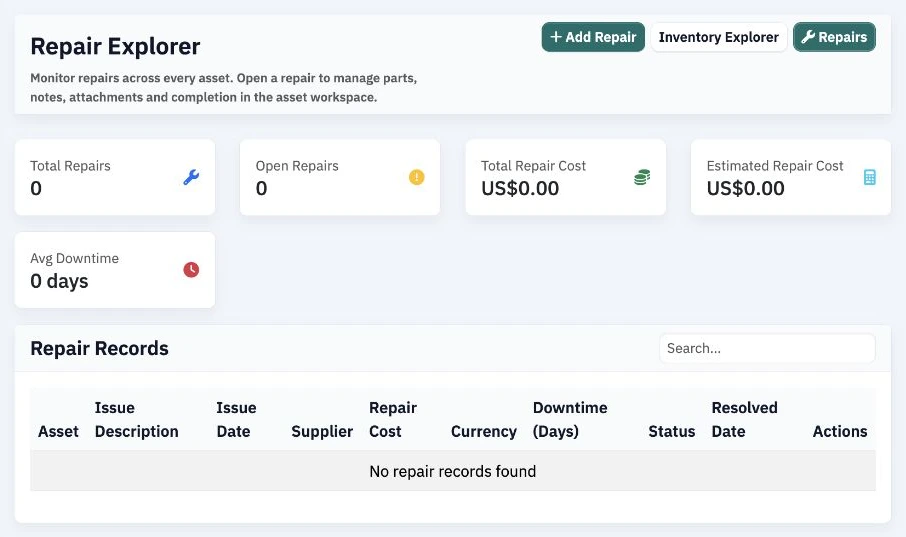
Review repair status, costs and downtime in the Repair Explorer.
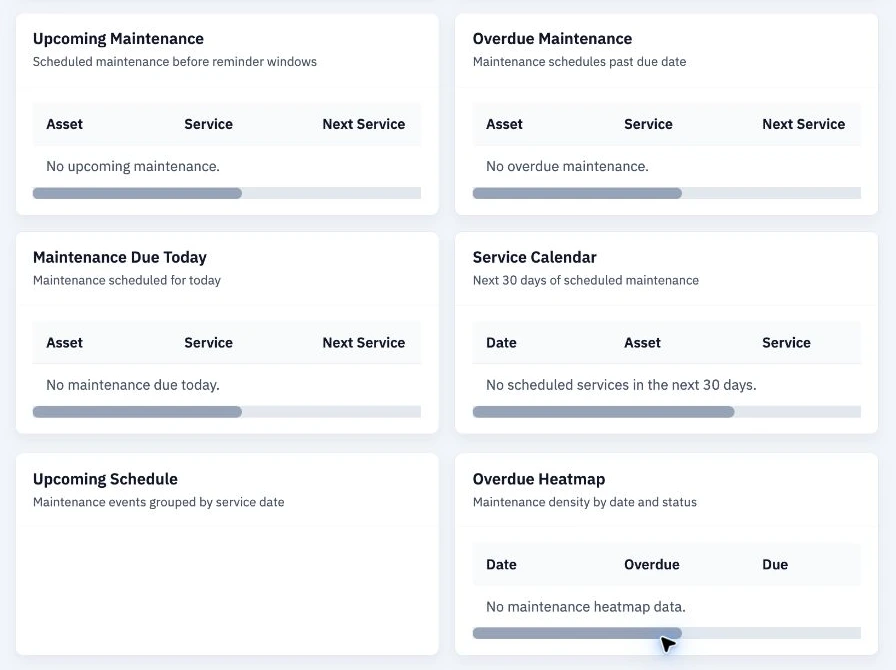
Review upcoming, overdue and due-today maintenance alongside a 30-day service calendar. Factory and industrial teams can use these views to coordinate service for equipment recorded in their inventory.
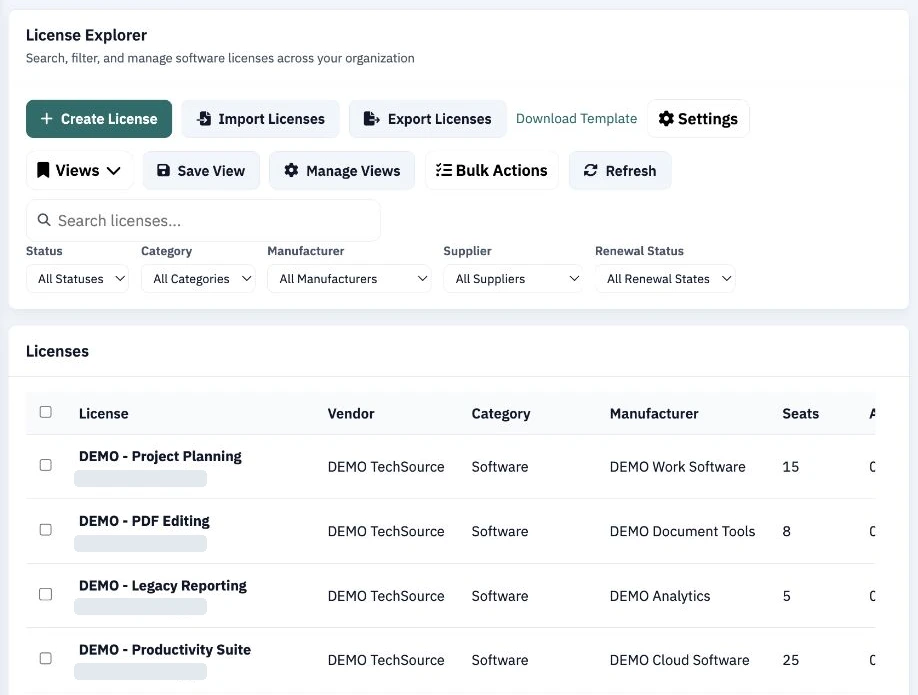
See software licenses and seat counts. Filter by vendor-related fields and renewal status.
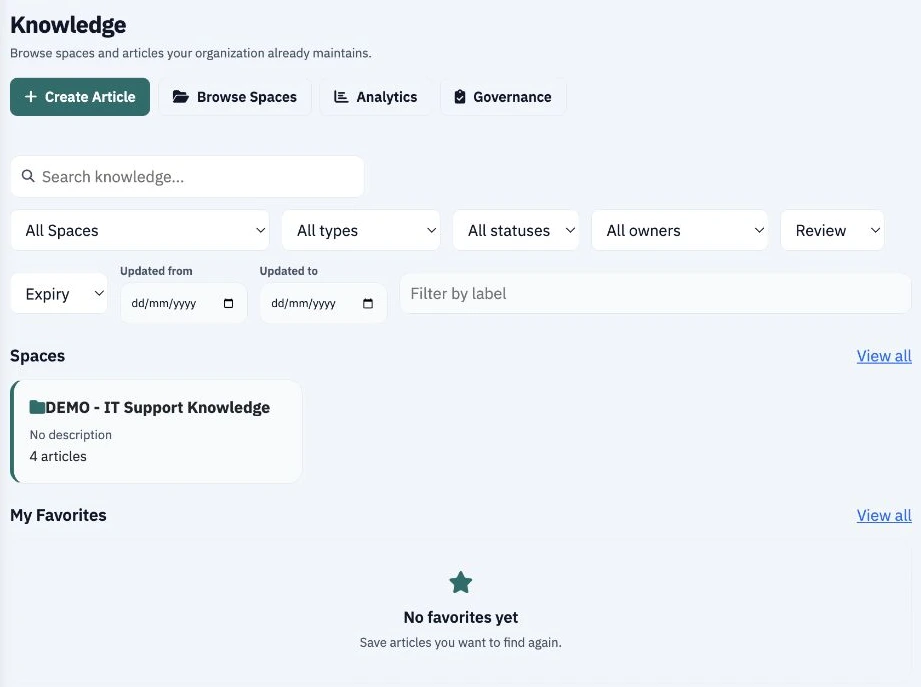
Organize support articles into spaces and find them by owner, status, review and expiry.
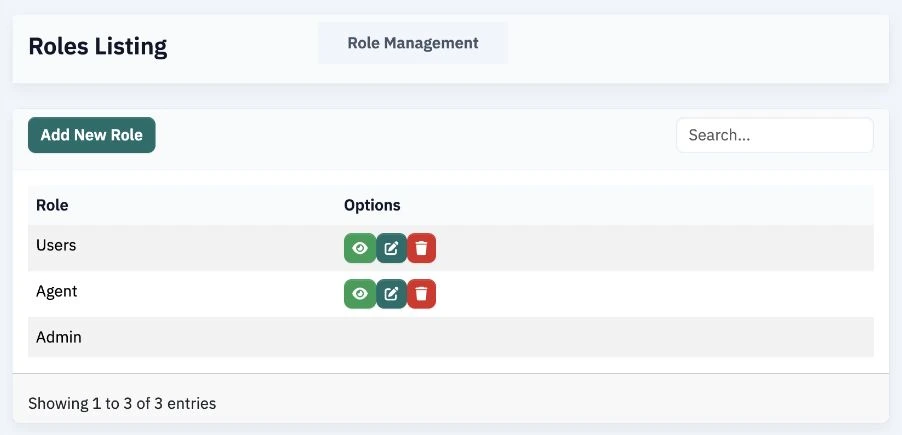
Design and configure custom roles to give each team access suited to its responsibilities.
Choose the workflows you’d like to see in a demo.